So, why has your phone suddenly started charging slowly?
We’ve all experienced it: plugging in your phone only to find it charging at a snail’s pace. It’s frustrating, inconvenient, and sometimes baffling. So, why does this happen?
Charging your phone isn’t as simple as plugging in a cable. It’s a sophisticated process involving energy transfer, and several factors can disrupt its efficiency. Let’s break down the four key components influencing charging speed:
1. The Charging Cable
The charging cable is more than just a connector; it’s the critical pathway that delivers power from the charger to your phone. A damaged or low-quality cable can limit the amount of energy transferred, drastically slowing down charging.
2. The Charger
Chargers vary in power output, measured in watts. A lower-wattage charger will charge your phone more slowly, while a higher-wattage charger, particularly one designed for fast charging, can significantly speed up the process.
3. Your Phone
Your phone’s current activity level plays a major role. Running multiple apps or processes in the background can drain power as quickly as it charges. Additionally, the health and age of your battery can directly impact charging efficiency.
4. Protocol Matching
Protocol matching is all about compatibility. Many modern phones support fast-charging protocols, but these features only work with chargers and cables specifically designed for them. Mismatched components can lead to slower-than-expected charging times.
Understanding these elements can help you identify and address why your phone might be charging slowly, turning frustration into actionable solutions.
How To Charge Phone Faster
Understanding the Key Factors Affecting Charging Speed
If your phone’s charging performance has slowed, delving into the details of its charging ecosystem can help you identify and address the issue. Let’s break down each component in more depth to uncover actionable tips for improving your phone’s charging time.
1. Charging Cable: The Energy Highway
At first glance, the charging cable might seem like a mere connector, but it’s the lifeline that carries power from the charger to your phone.
-
Signs of a Bad Cable:
Look for physical damage like frayed wires, exposed metal, or bent connectors. A damaged cable restricts power flow, leading to slower charging.
-
Choosing the Right Cable:
Investing in a high-quality, durable cable ensures efficient power transfer. For modern smartphones, USB-C cables are often faster and more reliable than older micro-USB cables. Make sure the cable type matches your phone’s port and supports fast charging if your device allows it.
2. Charger: Powering Up the Process
The charger plays a pivotal role in determining charging speed.
Power Output Matters:
The charger’s wattage dictates how much power it can deliver. A higher-wattage charger (e.g., 18W or higher) can charge compatible phones faster than standard 5W chargers.
Fast-Charging Protocols:
Many modern phones support fast charging, but they require a charger designed for their specific protocol (e.g., Qualcomm Quick Charge, USB Power Delivery). If speed matters, invest in a charger that’s compatible with your phone’s fast-charging technology.
3. Your Phone: More Than a Receiver
Your phone’s condition and usage habits can also impact charging efficiency.
-
Battery Health:
Over time, batteries degrade, which reduces their ability to hold and receive a charge. If your phone is older, consider checking the battery’s health in your device settings or consulting a technician.
-
Software Optimization:
Keeping your phone’s software updated ensures optimal energy management and charging performance.
-
Background Activity:
Apps running in the background and screen usage during charging consume power, slowing down the overall charging process. For faster results, reduce activity by closing unnecessary apps or enabling airplane mode.
-
Device Design:
Some phones are inherently faster to charge than others due to their internal design and battery specifications. Researching and investing in a phone with robust fast-charging capabilities can save time in the long run.
Protocol Matching: A Special Connection
Fast charging, a feature in many modern smartphones, relies on a precise communication system between your phone and charger—this is known as protocol matching.
Fast charging works by allowing your phone to receive higher power levels from the charger. However, this only happens if both the phone and charger use the same fast-charging protocol, such as Qualcomm Quick Charge, USB Power Delivery (USB-PD), or others.
If your phone supports fast charging but your charger doesn’t (or vice versa), you won’t benefit from the increased charging speed. Always check the specifications of your phone and charger to ensure they’re compatible.
Boosting Your Charging Speed: Actionable Tips
Now that you understand the components of charging, here are practical ways to optimize the process:
1. Upgrade to a High-Quality Cable
The charging cable is the backbone of energy transfer. A durable, efficient fast-charging cable ensures smooth power delivery and reduces energy loss.
2. Choose the Right Charger
- Upgrade to a higher-wattage charger if you’re using a low-power one.
- If your phone supports fast charging protocols, ensure your charger is compatible to take full advantage of faster charging speeds.
3. Optimize Phone Usage While Charging
- Close unnecessary apps running in the background.
- Turn off the screen or enable Airplane Mode to minimize energy consumption.
- For the fastest results, consider powering your phone off while charging.
4. Keep Software Updated
Phone updates often include battery and charging optimizations. Installing the latest updates can improve your device's charging speed and overall performance.
The Low Power Mode Advantage
Does your phone charge faster on Low Power Mode? Absolutely!
Low Power Mode reduces energy consumption by limiting background processes, automatic updates, and visual effects. This ensures that more of the power from the charger is directed straight into the battery, speeding up the charging process.
When you’re in a hurry, enabling Low Power Mode can provide a noticeable boost to your charging speed.
By applying these tips, you can streamline your charging routine and make the most of your device’s capabilities. Spend less time tethered to an outlet and more time enjoying your fully charged phone!
Fast Charging Accessories: The Cherry on Top
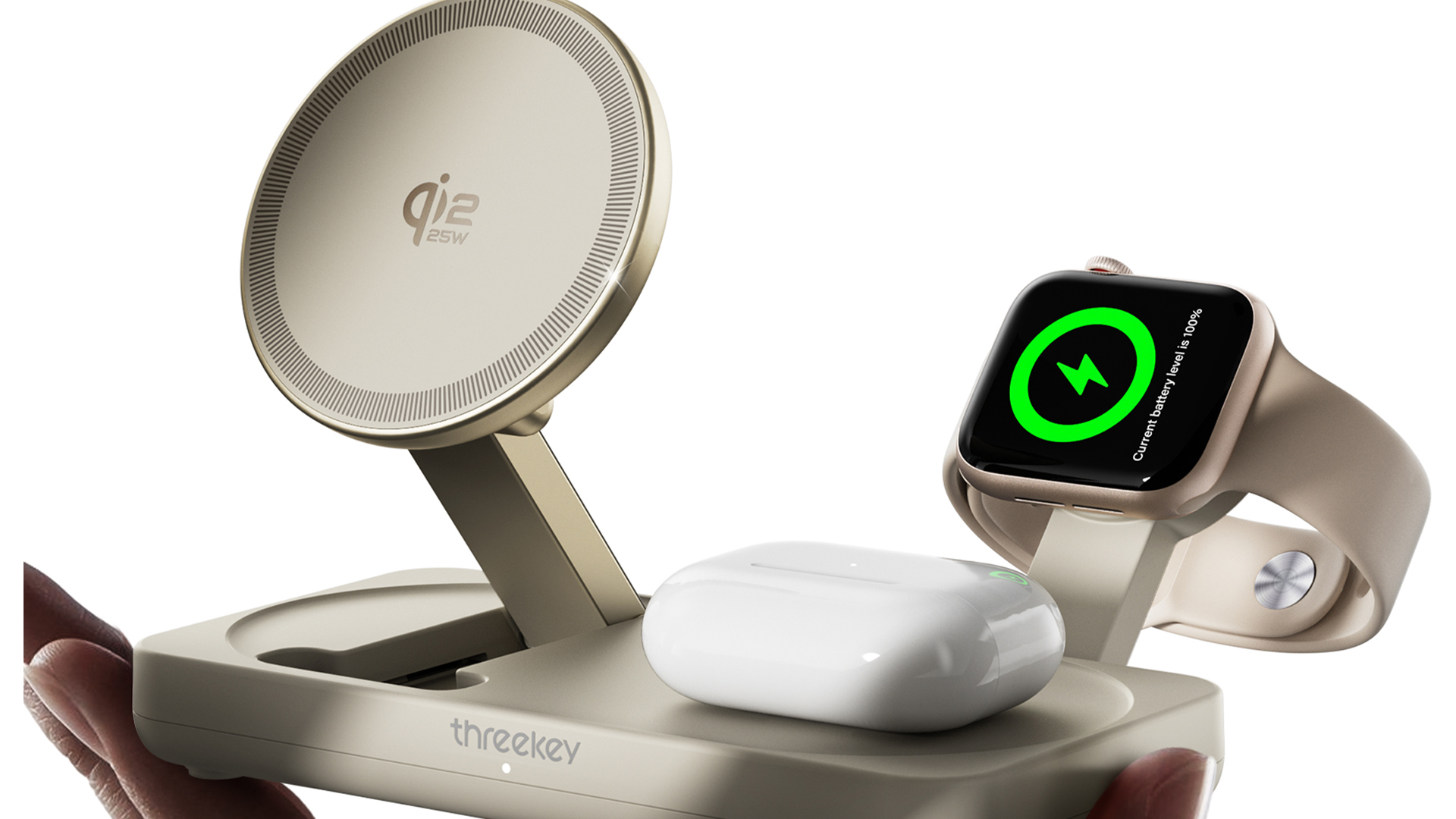
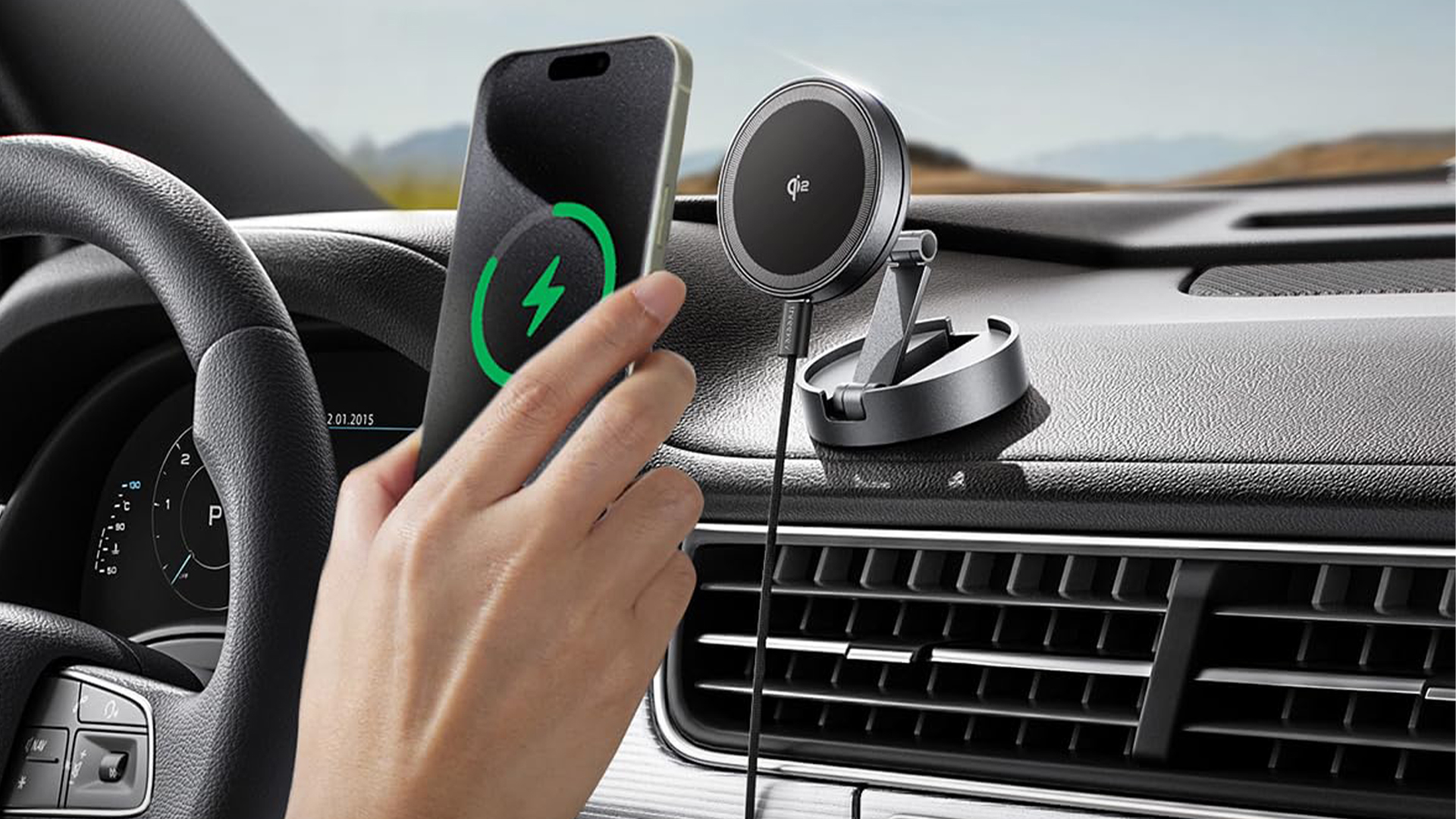
To truly optimize your charging experience, don’t overlook the value of fast charging accessories. These can make charging faster, not just at home, but on the go as well. Consider investing in:
Make sure to double-check that these accessories are compatible with your phone’s fast-charging capabilities to get the full benefit of their speed-boosting potential. With the right tools, you can power up quickly and keep your device ready for anything.